
Rytr screenshots
What is Rytr?
Rytr is an AI writing assistant built around templates. You pick a use case, such as a product description or a cold email, choose a tone, add a few details and get a draft in seconds. It also rewrites, expands and shortens text you already have.
The selling point is price. Unlimited generation costs $7.50 a month on the yearly toggle, well below most AI writing tools, and the free plan lets you try 10K characters before paying anything.
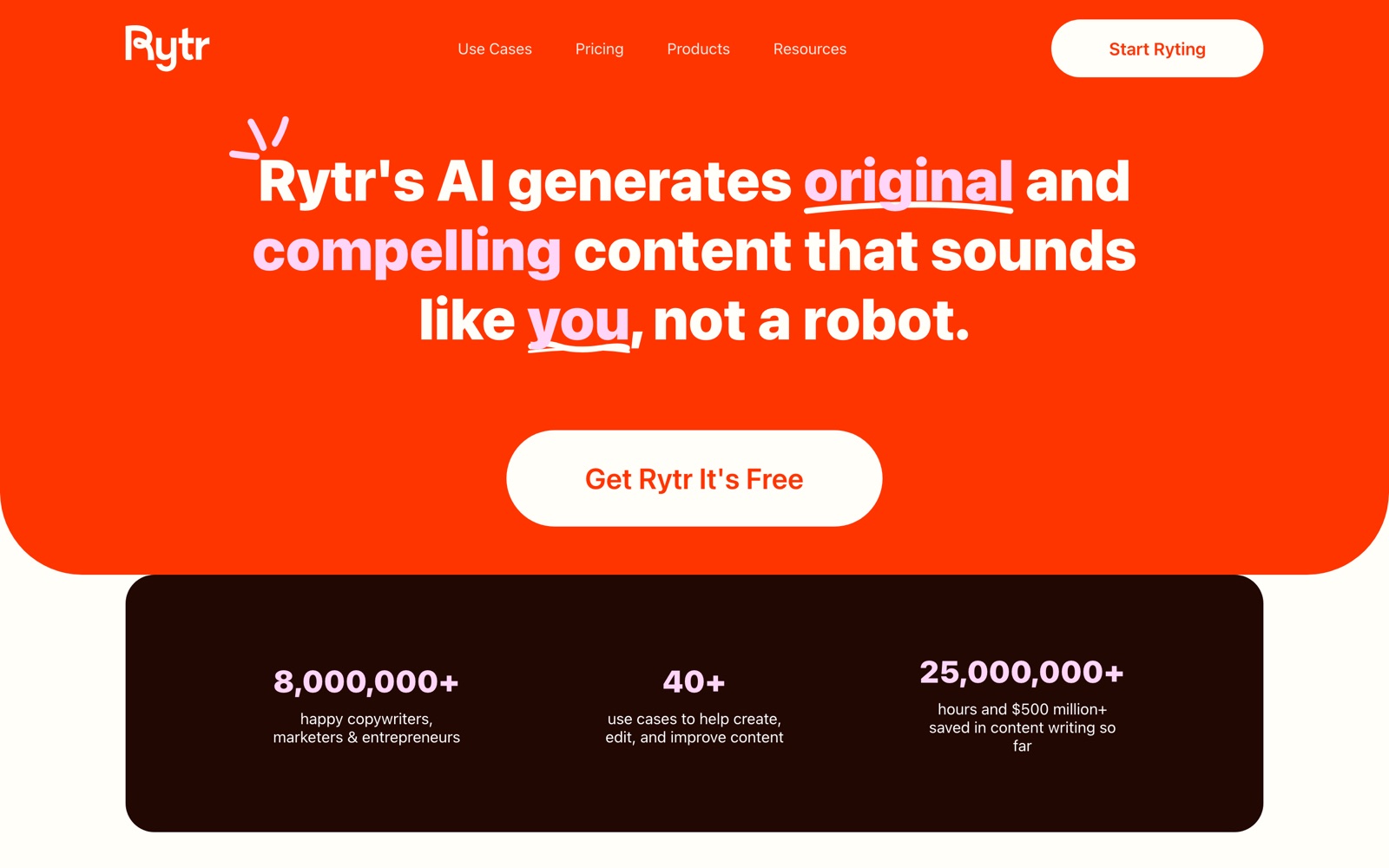
Rytr says more than 8 million writers have used it. That's the vendor's number. What matters for you is how much editing its drafts need, which depends on the kind of copy: short, structured pieces come out usable, long-form pieces less so.
It's a tool for short, structured copy. For a researched article, a general model like ChatGPT plus an editor works better, and Rytr's own comparison pages name ChatGPT, Copy.ai, Grammarly and Jasper as the tools it positions against.
A note on shelf life: plan names, prices and limits have changed over time, and third-party blogs quote older ones. Confirm on rytr.me/pricing before you buy.
How Rytr works
Choose a use case and a language, then a tone from the 20+ built-in options or a tone you've matched from your own samples. Add the input: a topic, a few key points or a rough paragraph.
Rytr returns several variants. You keep the best sentences, discard the rest and edit in its document editor, where you can also expand, shorten, reword and improve the text.
Paid plans add tone matching from your writing samples and a plagiarism checker (50 checks a month on Unlimited, 100 on Premium). Premium adds multiple tone matches and 35+ languages, and triples the input limit.
The Chrome extension lets you generate and rewrite text directly in other sites, so you can polish an email or a CMS field without opening Rytr.
Rytr pricing
Rytr has a free plan you can start on today. Here's where it runs out and what the paid tiers cost.
Free is $0 and free forever with no card: 10K characters a month, one language, no tone matching, no plagiarism checks. It's a trial, not a working tier, because a few product descriptions use up 10K characters.
Unlimited is $7.50 a month on the yearly toggle. It gives unlimited generation, 1 tone match, 50 plagiarism checks a month and a doubled input limit. Premium is $24.16 a month on the same toggle, with multiple tone matches, 100 plagiarism checks, 35+ languages, a tripled input limit and priority support.
Rytr's page advertises 2 months free on yearly billing, and its FAQ says the annual plan saves 20% and requires a 12-month commitment. Monthly billing can be cancelled any time; the monthly price isn't in the page text, so read it on the page before you choose.
At these prices the tool is trivial next to a freelance writer. The real cost is your editing time, so test whether drafts need a light polish or a rewrite. If you write a few pieces a month, the free plan or a general chat model is enough.
Prices change often. Check the current plans on the official site before you pay.
See Rytr pricingRytr features
- 40+ use cases, from emails and SEO meta titles to review replies and call-to-action lines
- 20+ pre-programmed tones of voice
- Tone matching from your writing samples
- Rewrite, expand, shorten and improve text in a document editor
- Plagiarism checker (50 checks a month on Unlimited, 100 on Premium)
- Chrome extension for writing inside other sites
- Custom use cases for paid plans
- 35+ languages on Premium, and an API
Templates and tones are the product: 40+ use cases and 20+ tones remove the blank page. Tone matching, the plagiarism checker and the Chrome extension are the paid extras that make it usable day to day. Custom use cases let paid users add templates of their own.
How to set up Rytr
- 1
Create a free account
Sign up at rytr.me with no card and try the use case you write most, such as product descriptions or meta titles.
- 2
Pick a tone
Try two or three of the 20+ tones on the same input and keep the one that suits your audience.
- 3
Add a tone match from your own writing
On Unlimited or Premium, paste in samples so drafts sound less generic. Compare a draft with a paragraph you wrote yourself.
- 4
Generate and compare variants
Create a few variants, keep the best lines and discard the rest. Don't accept the first output.
- 5
Fact-check and edit
Add your own facts, numbers and examples. AI copy can sound confident and be wrong.
- 6
Run the plagiarism check
Before publishing, run the checker (50 a month on Unlimited, 100 on Premium) and reword anything flagged.
- 7
Install the Chrome extension
Use it to polish text in Gmail or your CMS without switching tabs.
What people use Rytr for
Product descriptions
Generate a batch of first drafts for a catalog, then edit each for accuracy. The catch: it can invent specifications, so check every claim.
Cold and follow-up emails
Draft several variants of an outreach email and keep the one that sounds like you. Personalize the first line by hand.
Social posts and captions
Get ten caption options in a minute and pick two to test. Use tone matching so they don't all sound alike.
SEO meta titles and descriptions
Rytr has a use case for meta titles. Check length and search intent yourself before publishing.
Replies to reviews and messages
Draft polite, on-brand replies to customer reviews and direct messages, then add specifics before you send.
Blog outlines and intros
Use it to break the blank page, then write the substance yourself. Long sections need heavy editing.
Polishing your own text
Rewrite, shorten or improve a paragraph you already wrote, in the editor or through the Chrome extension.
Rytr vs Jasper
If you're weighing Rytr against Jasper, both live in someone else's cloud, so it comes down to price, fit and how much you'd have to move.
| Aspect | Rytr | Jasper |
|---|---|---|
| Price to start | Free · from $7.50/month billed yearly | From $59/month |
| Free plan | Yes | No |
| Self-hosting | No | No |
| Your data | In their cloud, exportable | In the vendor's cloud |
Jasper figures are from its pricing page, checked 2026-09-30.
All Jasper alternativesRytr next to similar tools
- Rytr vs ChatGPT
- ChatGPT handles research, structure and long pieces better, and its free tier costs nothing. Rytr's edge is templates, tone presets and a fixed low price for short copy.
- Rytr vs Jasper
- Jasper is pricier and built for marketing teams, with brand voice and workflows. Rytr is the budget option for individuals and small shops.
- Rytr vs Copy.ai
- Copy.ai has moved toward sales and marketing workflows. Rytr stays a simple writing tool with a low price and few settings.
- Rytr vs Grammarly
- Grammarly fixes and polishes text you wrote. Rytr generates first drafts as well as rewriting, so they overlap on editing but not on generation.
- Rytr vs a freelance copywriter
- A copywriter brings research, strategy and accountability, at a much higher price. Rytr gives you a draft in seconds and is fine for short, low-stakes copy.
Bottom line
Our take on Rytr
If you write a lot of short marketing copy and want a cheap assistant, use Rytr's free plan to check the tone, then go to Unlimited at $7.50 a month billed yearly if you run out of characters. For long, researched work, use a stronger model and treat Rytr's output as a starting point. If you already pay for ChatGPT or Claude, test whether Rytr's templates actually save you time.


 ChatGPT
 Claude
 Perplexity
 Grok
Grok